Stop typing — just speak to One
Typing out every request slows you down, especially on mobile. Now you can just speak, and One turns your voice into a ready-to-send prompt — faster questions, less effort, in your own language.
You know exactly what you want to ask One. But typing it all out — on a small screen, between meetings, or in a second language to get the wording right — is friction you don't need.
Now, with voice dictation in One, here's what you can do:
Speak instead of type: Tap the mic and just talk. One detects your language automatically, transcribes what you said, and turns it into a prompt you can review and edit before sending.
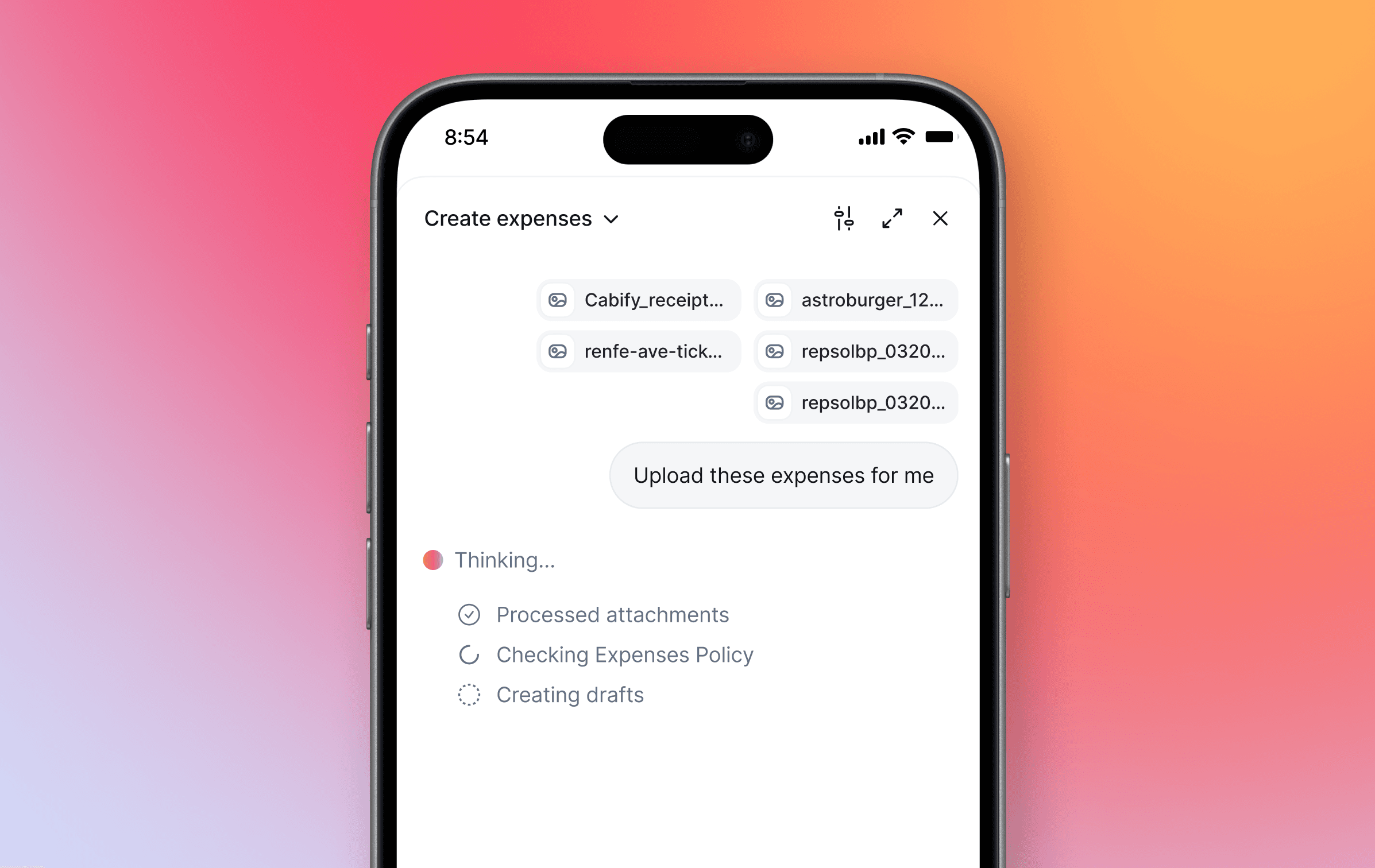
Talk on the go: On your phone, talking beats thumb-typing. Ask a question, request time off, or submit an expense — hands-free, on the go.
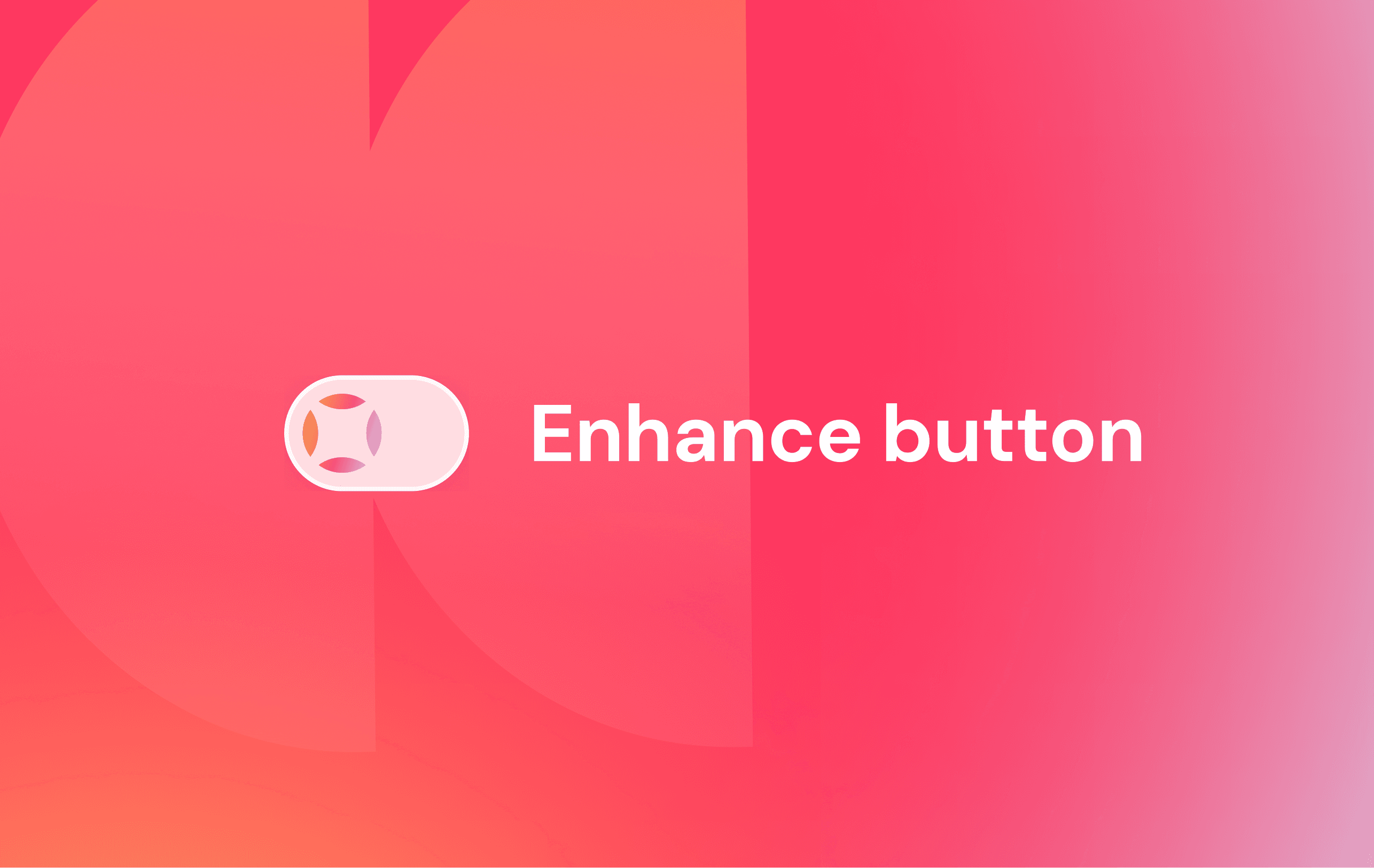
Dictate, then polish: Pair your voice with the Enhance Button. Speak your performance review out loud and have One refine the tone or translate it into another language — ready for your manager to read.
Open a ticket by voice: Describe your issue out loud and One picks the right category and drafts the ticket, so the resolver team gets the full context from the start.
Say what you need, and One takes it from there — no keyboard necessary.