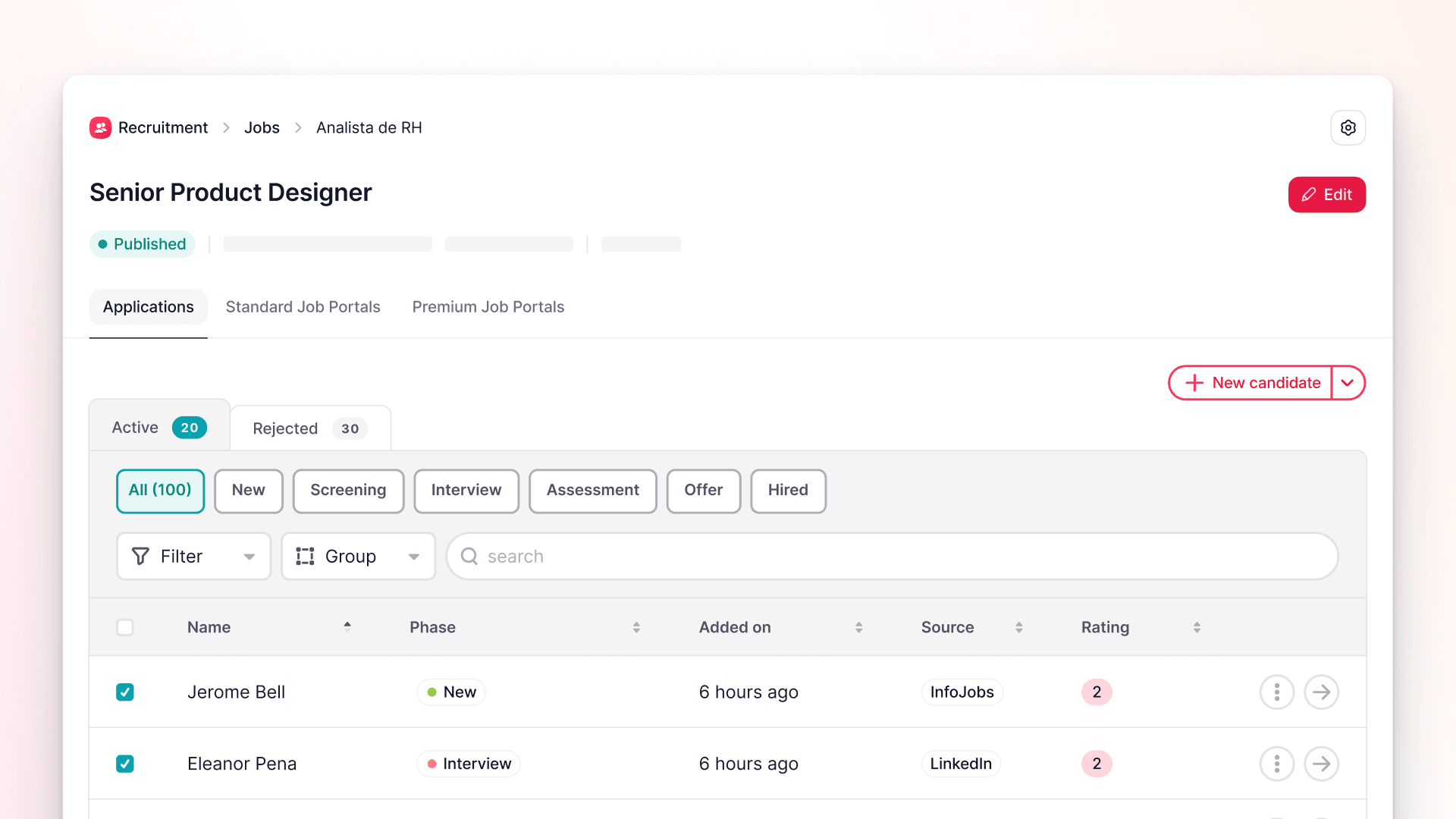
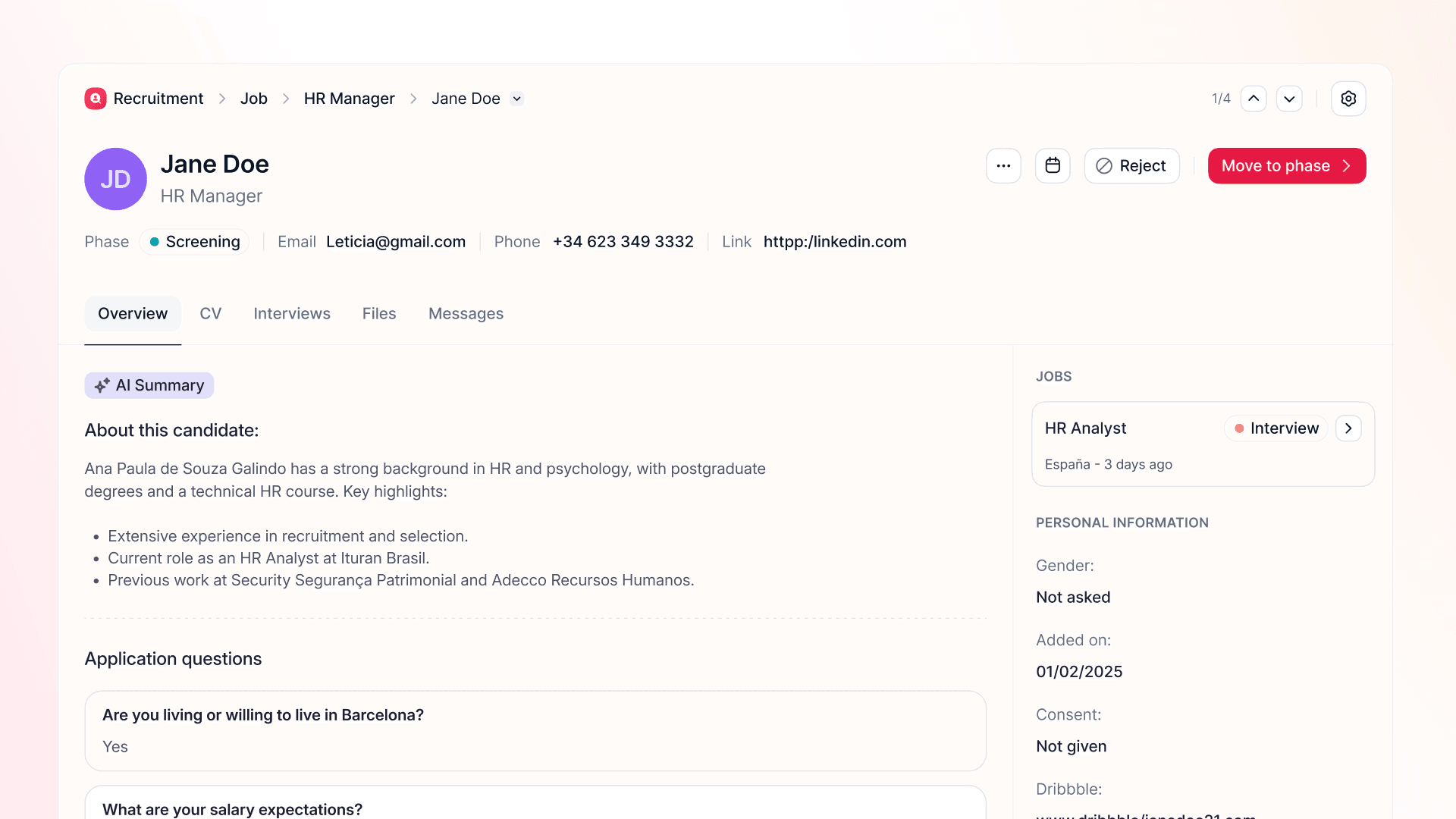
Backfill positions without lifting a finger
Terminating an employee now triggers a backfill automatically — already linked to the right position and hiring plan. No missed openings, no manual follow-up.
In high-turnover environments, backfills are easy to miss. Someone leaves, the hiring plan doesn't update, and suddenly you're reconciling headcount gaps weeks later — without a clear starting point.
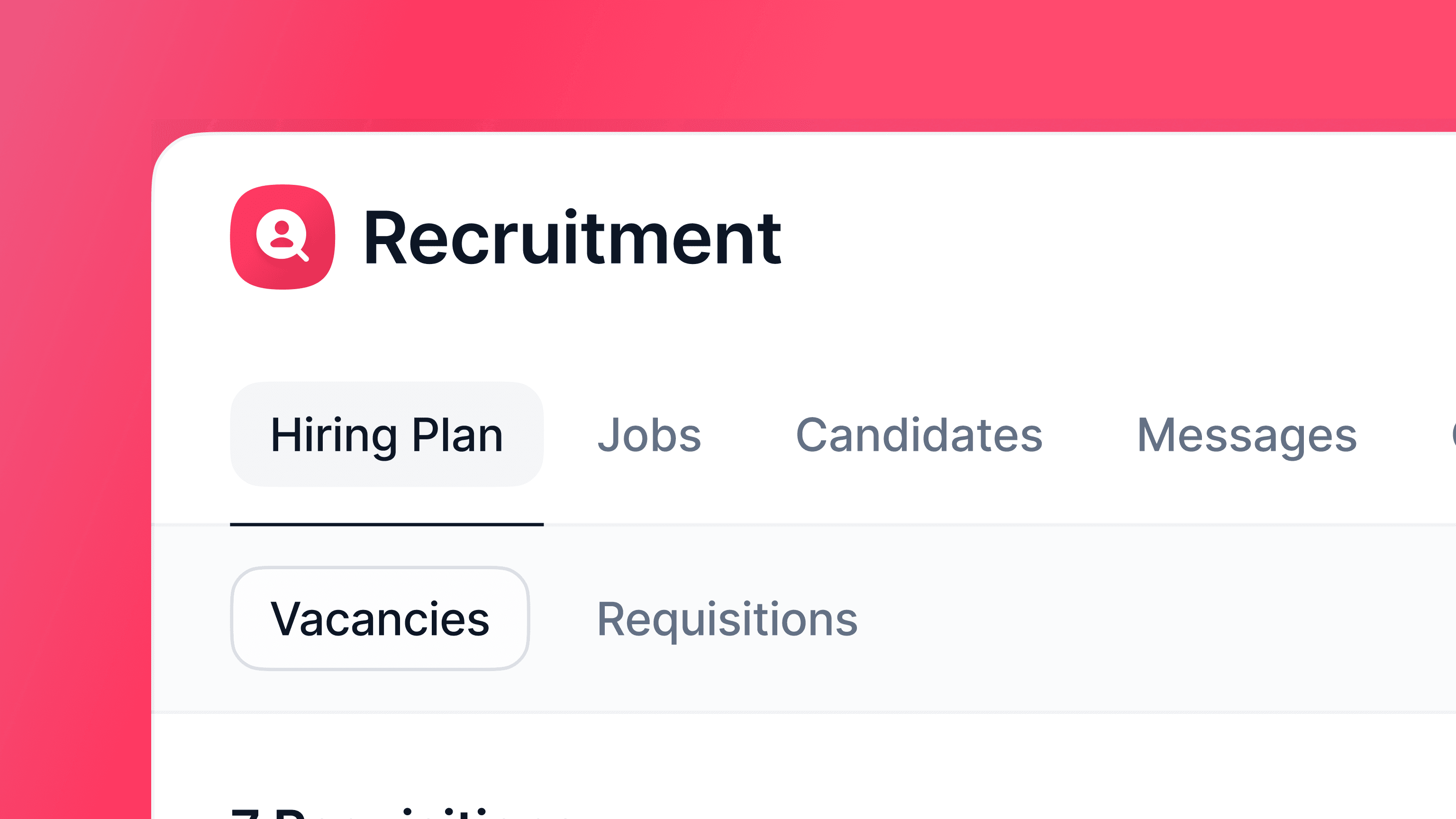
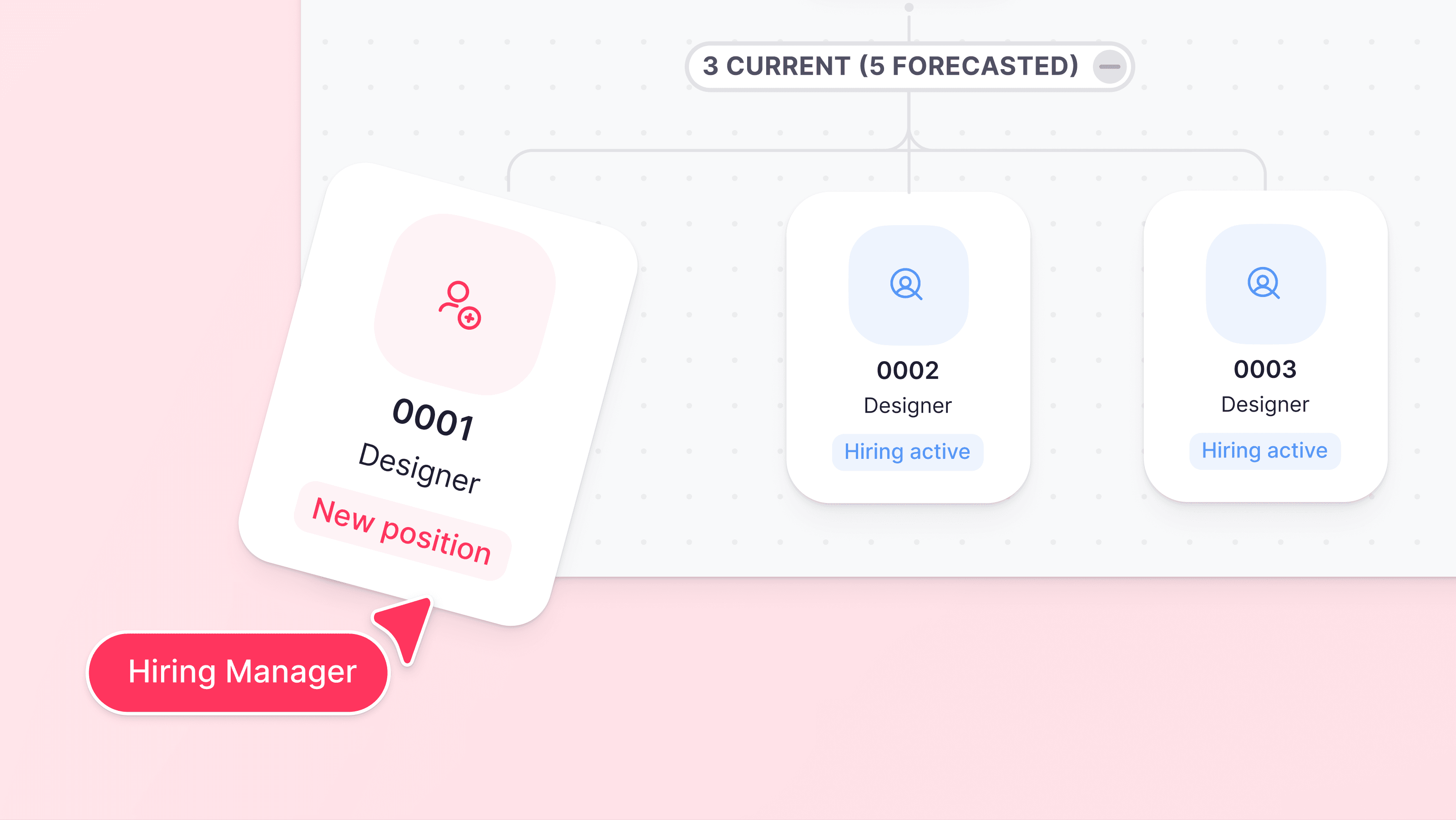
Now, terminating an employee automatically creates a backfill and drops it directly into your hiring plan, tied to the correct position.
Here's what you get:
Automatic trigger — The moment a termination is confirmed, the backfill is created and resolved against the right plan and position.
Your choice of output — Create a vacancy (always available) or a requisition (when requisitions are enabled for your company).
Instant notification — Relevant recruiters and managers are alerted so they can review and move it forward right away.
To enable it, go to Settings > Recruitment > Processes and turn on backfill on termination.
Note: complete employee data is required to generate the vacancy or requisition.