What is HRIS and how can it help your business?
A Human Resources Information System (HRIS) is one of the most widely used digital tools in HR. For Kenyan employers, an HRIS helps centralise employee records, automate routine HR tasks and make workforce data easier to manage. As businesses move from spreadsheets and manual processes to cloud-based HR tools, HRIS platforms are becoming increasingly important for managing growing teams efficiently.
Read on to find answers to questions like “What is an HRIS?”, “What are the benefits of using an HRIS?” and “What are the best HRIS systems in Kenya?”
TABLE OF CONTENTS
What is HRIS?
Let’s start with the basics: what is HRIS and what does HRIS stand for?
HRIS definition: An HRIS system (human resource management information system) is a form of people management software used to collect, store, maintain, manage and process data at every level of the employee lifecycle, from recruitment and onboarding right through to an employee’s exit from the company
For employers in Kenya, the compliance value is especially practical: Kenya Law states that Section 74 of the Employment Act requires employers to keep written records of employees, including leave, rest days, housing particulars where applicable, and disciplinary records.
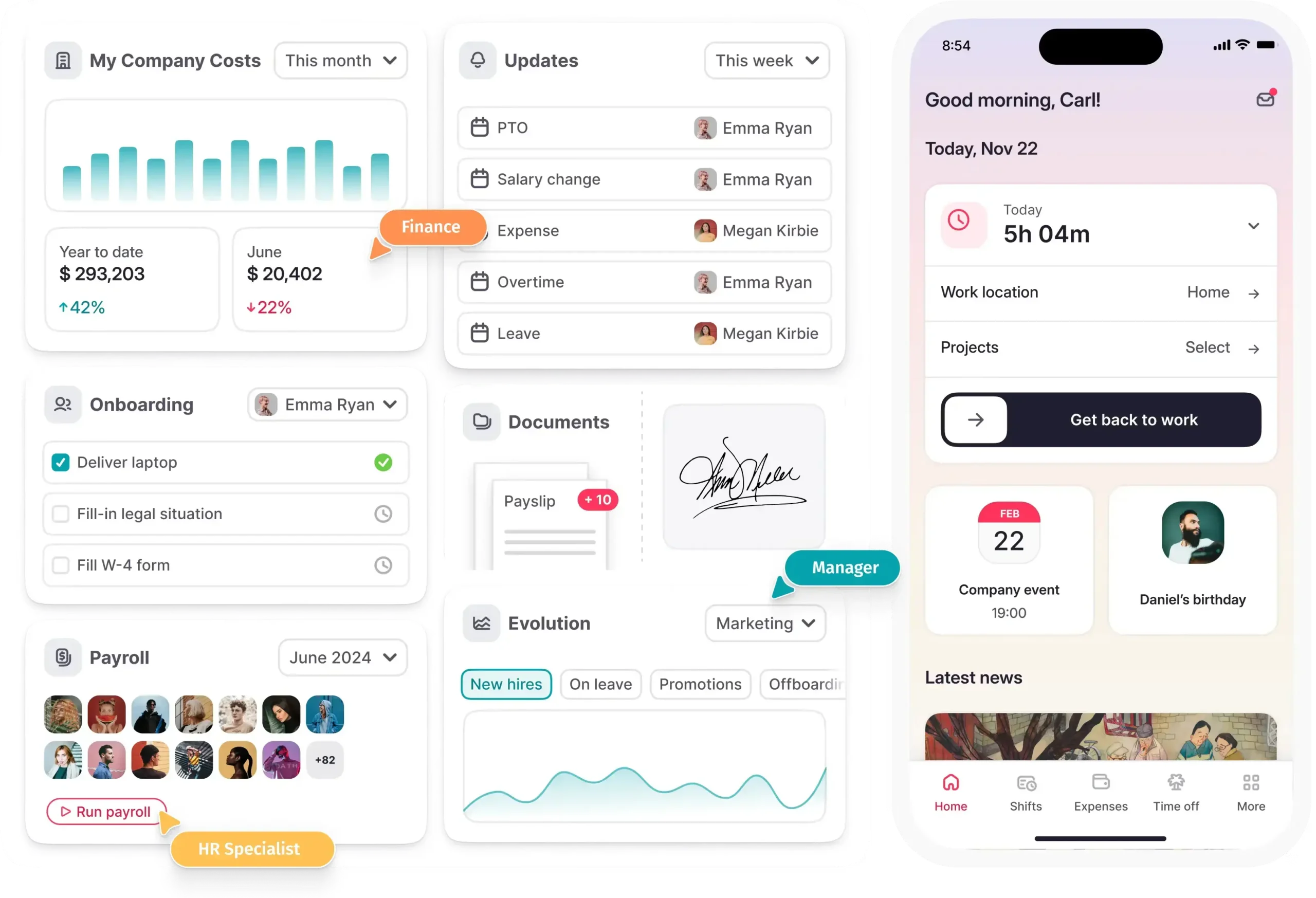
Put simply, HRIS systems include all the basic features you need for end-to-end Human Resources Management (HRM), also known as human capital management. This includes data entry, recruitment, performance management, learning & development, and managing policies and procedures, amongst other functionalities.
HR solutions such as an HRIS offer a range of benefits to organisations. The biggest advantage is that they enable you to keep up with the HR digital transformation, streamlining your processes so that you can make more informed decisions that keep your organization on track to meet its goals.
HRIS vs HCM vs HRMS
Generally speaking, the terms human resources information system (HRIS), human resources management system (HRMS), and human capital management (HCM) can be used interchangeably. However, there are a few subtle differences between each concept that you need to be aware of.
| Term | Primary focus | Common use |
| HRIS | Administrative employee records and core HR data | Talent acquisition, recruitment, employee data management, and reporting. |
| HRMS | HRIS functions plus broader HR administration | Payroll management, time tracking, benefits administration, and employee workflows |
| HCM | People strategy and workforce capability | Workforce acquisition, workforce management, workforce optimisation, and skills planning |
HRIS features: What does an HRIS do?
The range of processes you can manage with a human resource information system will depend on the software solution you implement. Some systems only cover basic workflows, whereas others offer solutions to a full range of HR processes.
Here are a few examples of core features found in the best HRIS systems:
- Employee database software
- Personal data management and employee files
- Recruitment and talent acquisition platform
- Applicant tracking system
- Centralised storage for company policies and procedures
- Automated employee onboarding and offboarding
- Electronic document management system (EDMS)
- Learning and development
- Performance management
- Payroll and benefits administration
- Time tracking, absence management and employee clock in system
- Employee self-service portal
- Expense management software tools
- Reporting and predictive analytics software
- Cloud-based HR SaaS applications
Benefits of HRIS
We’ve answered the question “What is HRIS?”. Now let’s take a look at some of the benefits of using information systems in human resource management:
- Record-keeping. An HRIS portal keeps your records organised so that you have access to all employee data whenever needed. Instead of relying on paper records and bulky filing cabinets, you can create an easily searchable database that your HR administrators can access in seconds.
- Compliance. Maintaining accurate employee records also helps you ensure regulatory compliance. This includes contact information in case of accidents, tax identification data, and data protection regulations.
- Efficiency. Centralizing all your employee data through an HRIS program not only ensures accuracy but it also streamlines your processes and saves you time, helping you work smarter, not harder. This leaves you with more time to focus on core tasks such as strategy and the achievement of your business goals.
- Self-Service HR. If you implement a solution that includes an employee self-service portal, then your employees can find answers to basic questions without bothering your HR team. For example, they can update their own contact information at the click of a button. Aside from freeing up your HR staff, this also helps you offer a good employee experience.
Types of HRIS systems: Examples
We listed some of the most common features of an HRIS above. Now let’s look at some of these features in practice to help you understand how they work and how they can benefit you.
Here are a few examples of HRIS systems:
- HRIS payroll system: used to manage employee payroll and benefits. You can use an HRIS payroll system to collect and store payroll and benefits data for each employee to ensure payslips are processed smoothly each month, in line with time and attendance data.
- Time & attendance: software used to collect employee time and attendance data, usually thorough a clock in system. This enables you to keep track of how many hours each employee has worked during each pay period so that you can pay them the correct amount. This can be especially useful if your employees do shift work.
- Applicant Tracking System (ATS): software for managing all your recruitment processes. You can use an ATS to track candidate data, process resumes, and match job openings to suitable candidates from your application pool.
- Onboarding: HR employee onboarding software improves the experience for both employees and employers. With specialized tools like automated workflows, centralized filing, and easily accessible training materials, onboarding software limits costs and maximizes efficiency.
- Workforce reporting & analytics: many of the more comprehensive HRIS solutions also come with features for workforce reporting and analytics. For example, you can generate automated HR reports on various topics such as employee turnover, absence, performance, and more. This provides you with added insights so that you can make better-informed strategic decisions.
Best HRIS systems
When it comes to identifying the best HRIS systems, it usually boils down to your own personal needs and expectations. The challenge here is figuring out which features you need from an HRIS solution. Which processes are you looking to manage? What is your budget? Are you in a position to invest in HRMS software?
For Kenyan employers, add three compliance filters to your HRIS checklist: whether the system supports statutory employee records, whether role-based access protects sensitive employee data, and whether audit trails can show who changed payroll, leave, or contract information.
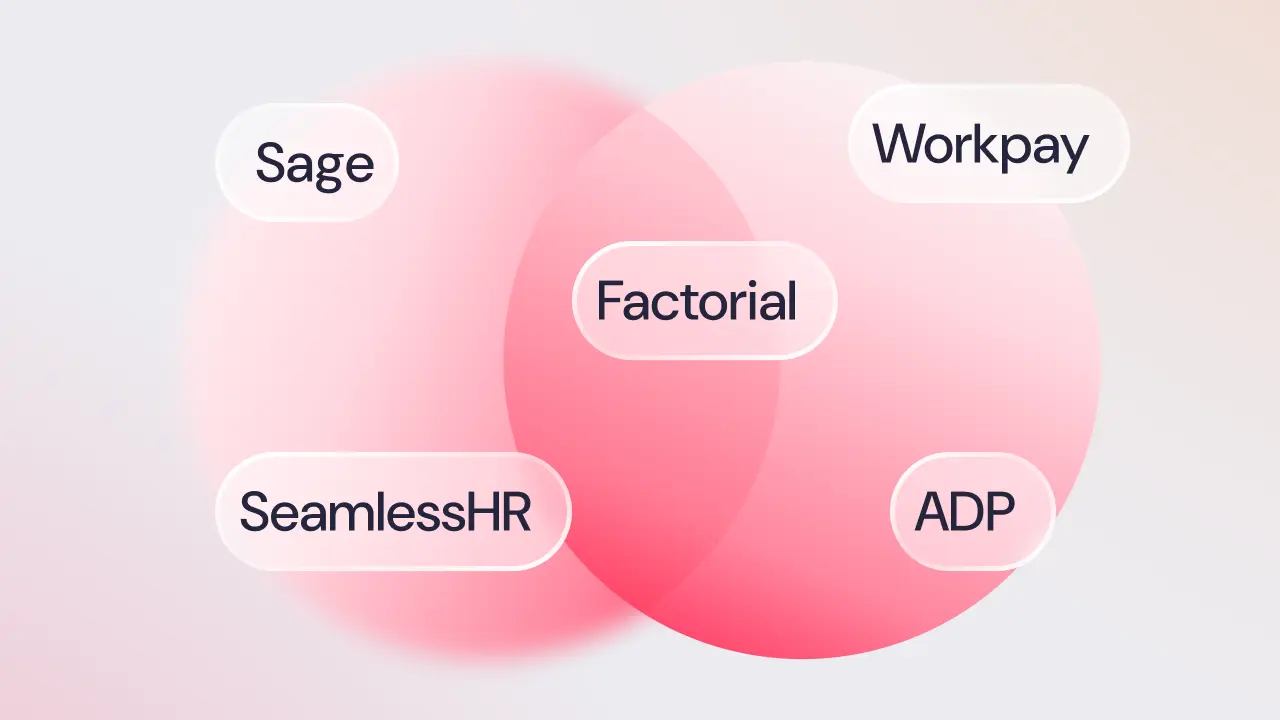
You also need to make sure you pick a solution that can merge with your workflows. For example, Factorial’s HRIS solution includes a number of features for managing a range of HR processes.
You can:
- Record-keeping. An HRIS portal keeps your records organized so that you have access to all employee data whenever needed. Instead of relying on paper records and bulky filing cabinets, you can create an easily searchable database that your HR administrators can access in seconds.
- Compliance. Maintaining accurate employee records also helps you ensure regulatory compliance. This includes contact information in case of accidents, tax identification data, and data protection regulations.
- Kenya data-protection readiness. If your HRIS processes personal data for staff, payroll, recruitment, or benefits, map whether your organisation must register as a data controller or processor. The Office of the Data Protection Commissioner states that entities below KShs. 5 million annual turnover and with fewer than 10 people are exempt from mandatory registration, whilst other employers may need to register and maintain safeguards
- Efficiency. Centralising all your employee data through an HRIS program not only ensures accuracy but it also simplifies your processes and saves you time, helping you work smarter, not harder. This leaves you with more time to focus on core tasks such as strategy and the achievement of your business goals.
- Self-Service HR. If you implement a solution that includes an employee self-service portal, then your employees can find answers to basic questions without bothering your HR team. For example, they can update their own contact information at the click of a button. Aside from freeing up your HR staff, this also helps you offer a good employee experience.
- Better HR technology capability. SHRM reported in 2025 that its analysis covered 3,911,292 HR job postings and found 23% year-over-year growth in demand for HR technology skills, showing why HRIS knowledge is becoming a core HR capability

HRIS implementation in 6 steps
Now let’s finish by taking a look at a brief step-by-step guide so that you can effectively implement a human resource information system in your business. Once done, download a free ebook on implementation checklist.
Define your needs and conduct research
The first step is defining your needs.
What do you need from an HRIS? Which features would help your team work more efficiently? What is your budget?
Once you’ve defined your requirements you can start researching solutions to help you find the right fit for your company.
Create a steering committee
The next step is creating an implementation steering committee. This is a team that will oversee the implementation and launch of your chosen solution. Your team should consist of your HR director or manager, an internal project manager, and a senior delegate from your chosen HRIS provider. Creating a team will help you manage your implementation roadmap as effectively as possible so that everything runs smoothly.
Define processes and workflows
The next step is defining your existing processes and workflows.
How can your chosen human resource information system be integrated with your current way of working? What functional and technical requirements do you have in terms of HRIS infrastructure, system, and security. Will you need to integrate your solution with any other existing systems?
Test your HRIS solution
Once everything has been set up, you need to test your human resource information system to help you identify any potential bugs. The best way to do this is by creating a core test team to identify issues and provide feedback for potential improvements.
Use anonymised or dummy records during early testing where possible. Final user-acceptance testing should still validate real-world scenarios such as leave carryover, job-title changes, pay changes, document approvals, and access permissions.
Train and communicate
Before launching your HRIS, you need to offer all your relevant managers HRIS training so that they understand how the various features included in your system work. Will you train your employees internally or outsource it?
You also need to create a communication plan and draft support documents such as a training manual or a Frequently Asked Questions page.
Launch your HRIS solution
All that’s left now is officially launching your HRIS solution. Make sure your employees understand what it is, how it works, and how it can make their lives easier. If you opt for a solution with a self-service portal, create a user handbook and train your employees so that they are able to access it. And most importantly, gather feedback along the way and update your training manual accordingly. Constant, accurate communication is key here.
After launch, review adoption after 30, 60, and 90 days. Track logins, unresolved support requests, approval delays, payroll corrections, missing documents, and manager feedback so the HRIS owner can prioritise fixes.
We hope that this post has addressed the question “What is HRIS?” and helped you understand how the right software can help your business grow and develop effectively and efficiently.